Accesza on your phone and your desk
Answer customers, watch visitors and manage your team from the Android app, or use the web app on any device.
Web app
Works in any browser, on a phone, tablet or computer.
Using an iPhone, Mac or Windows PC? Open the web app in your browser.
Your support desk, in your pocket
One inbox for every channel
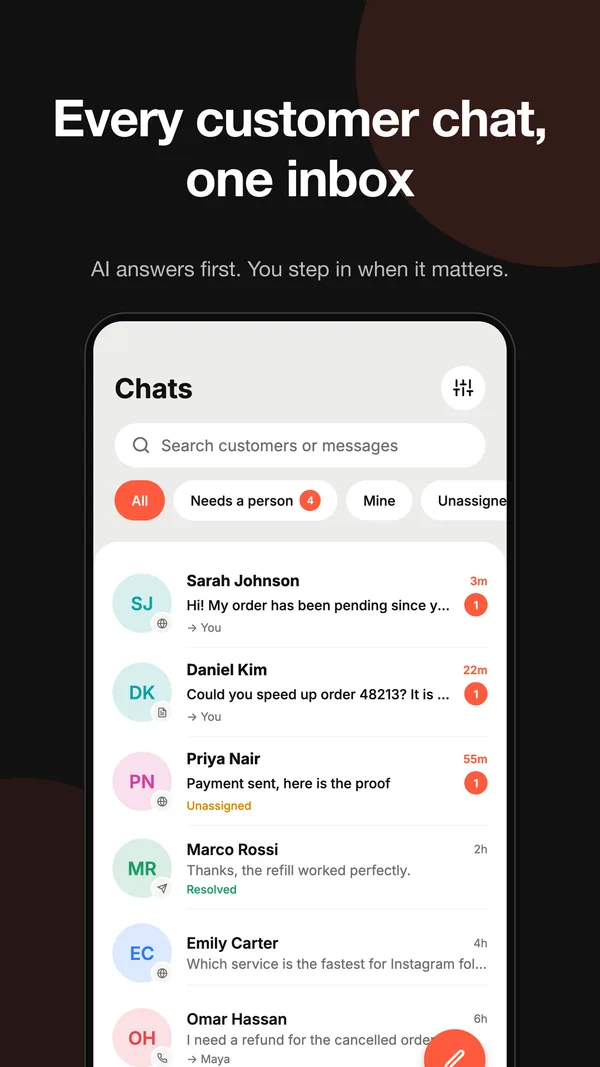
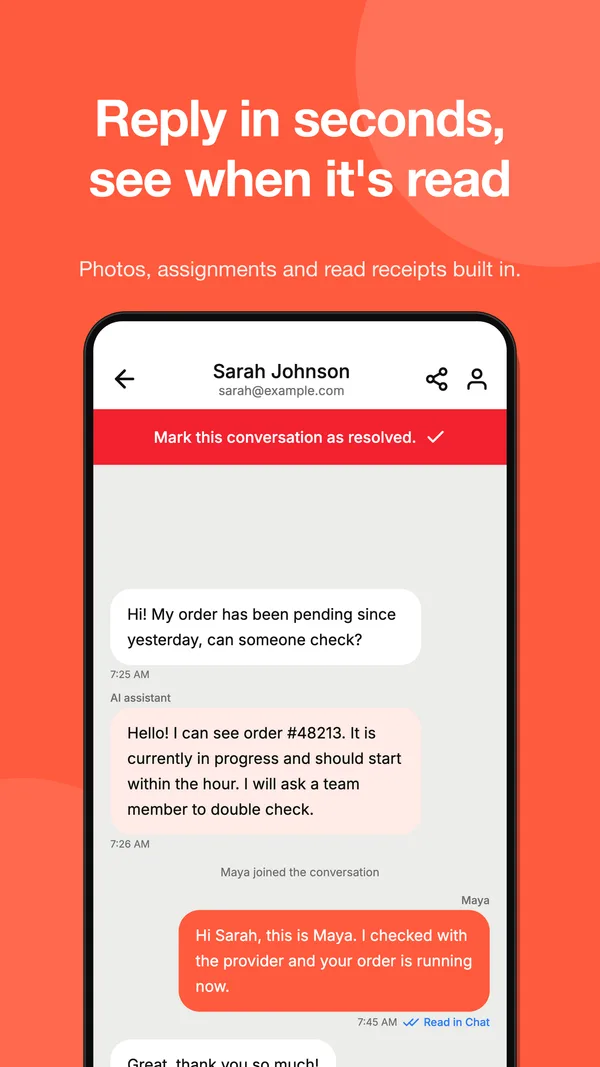
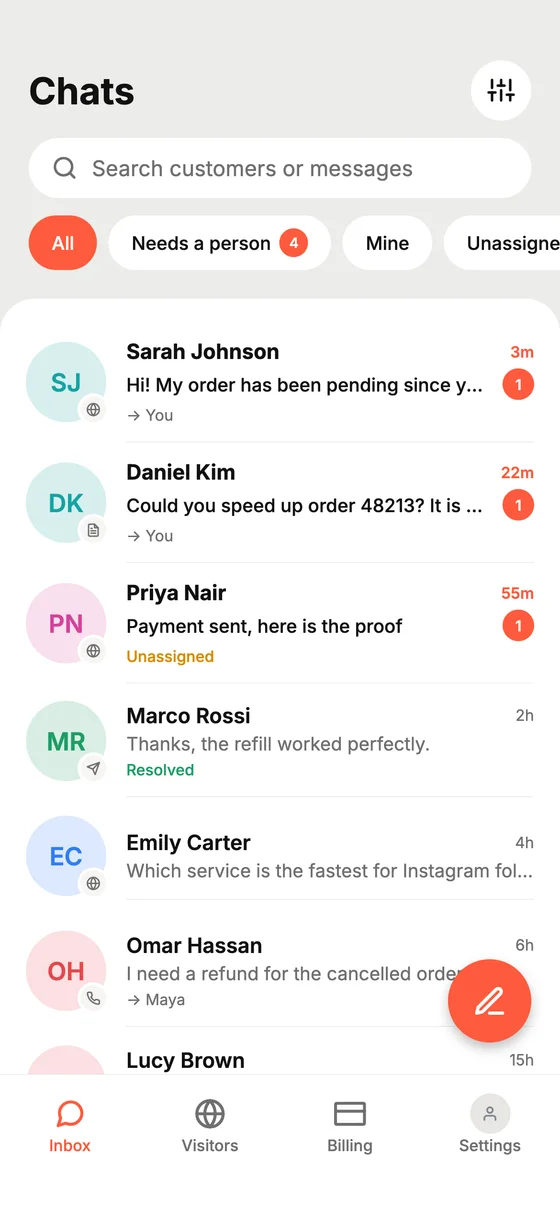
Website chat, panel tickets, Telegram and WhatsApp land in one list. See what the AI already answered, step in when a customer needs a person, and reply with photos.
- Filters for your chats, unassigned chats and payments
- See when a customer has read your reply
- Assign a chat to yourself or a teammate in one tap
See who is on your site
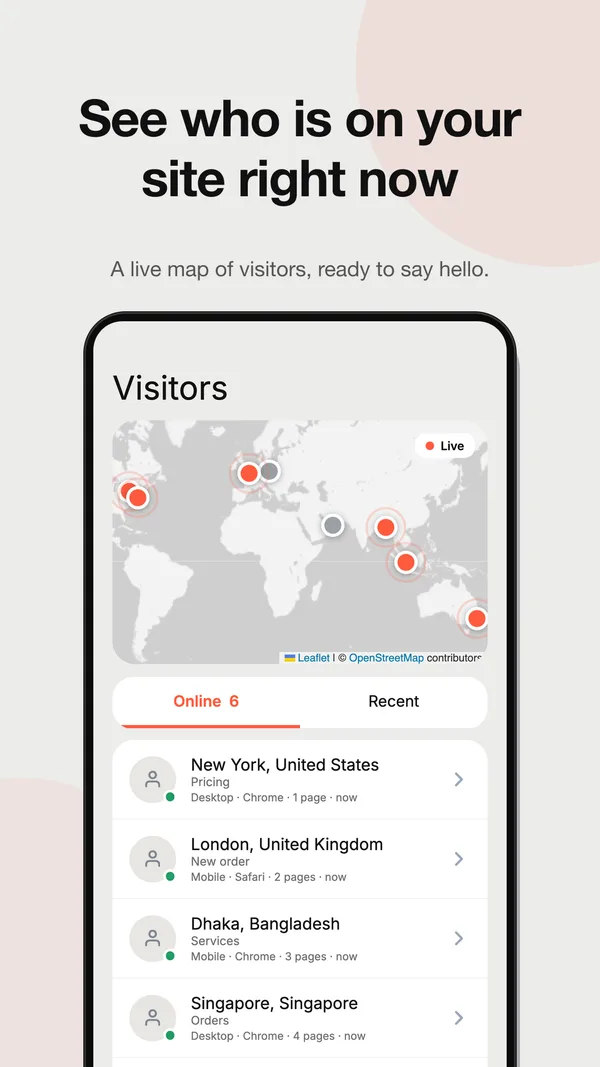
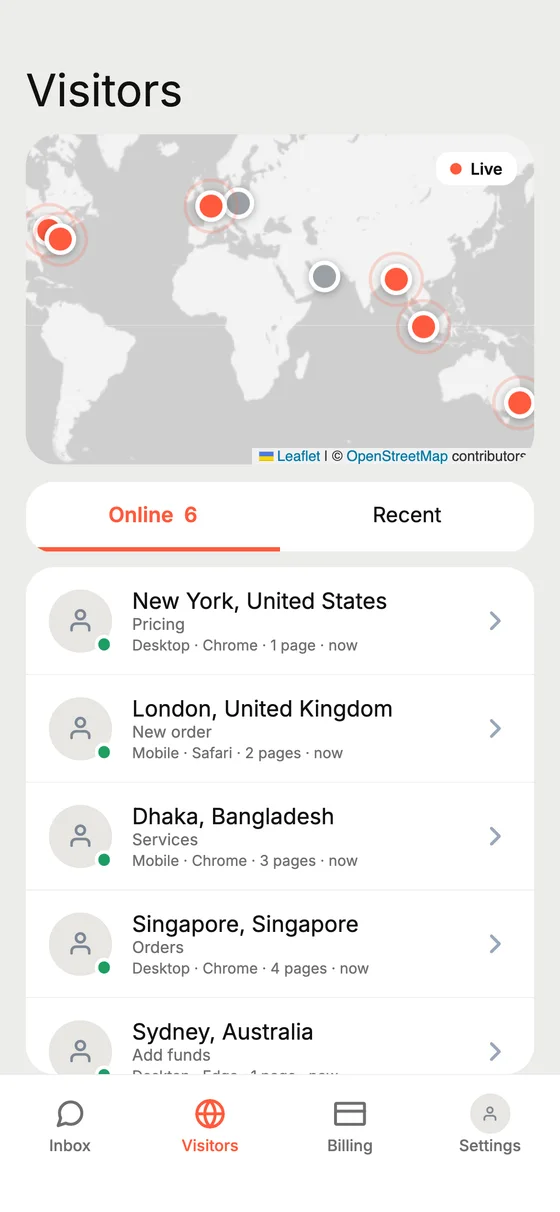
A live map shows visitors browsing your panel right now: where they are, what page they are on, and a button to say hello first.
- Online and recent visitors
- City, device and page at a glance
- Start a chat with someone browsing
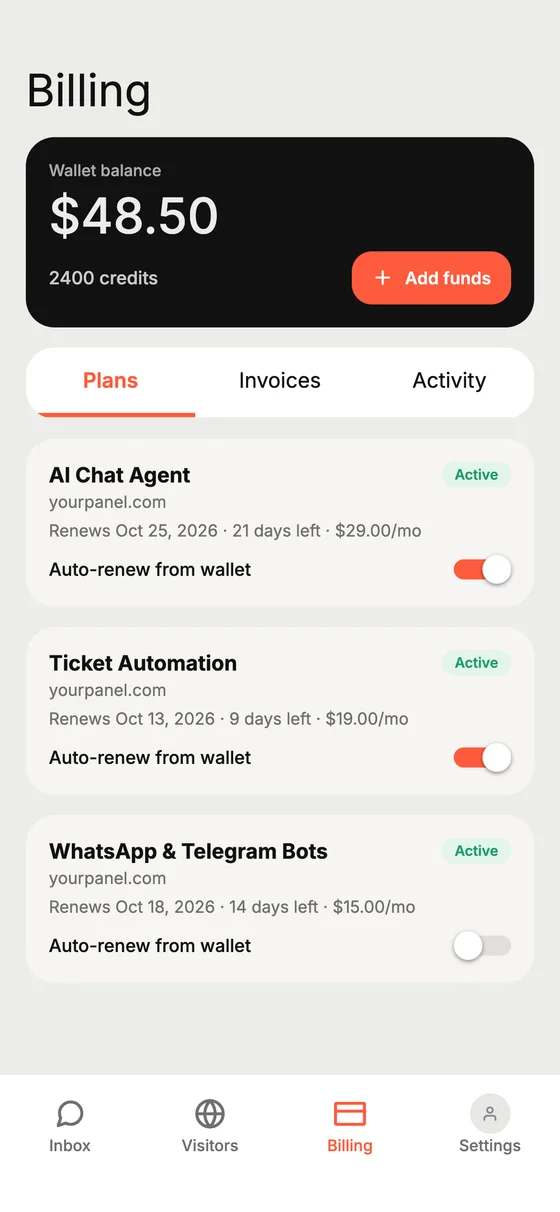
Wallet, plans and invoices
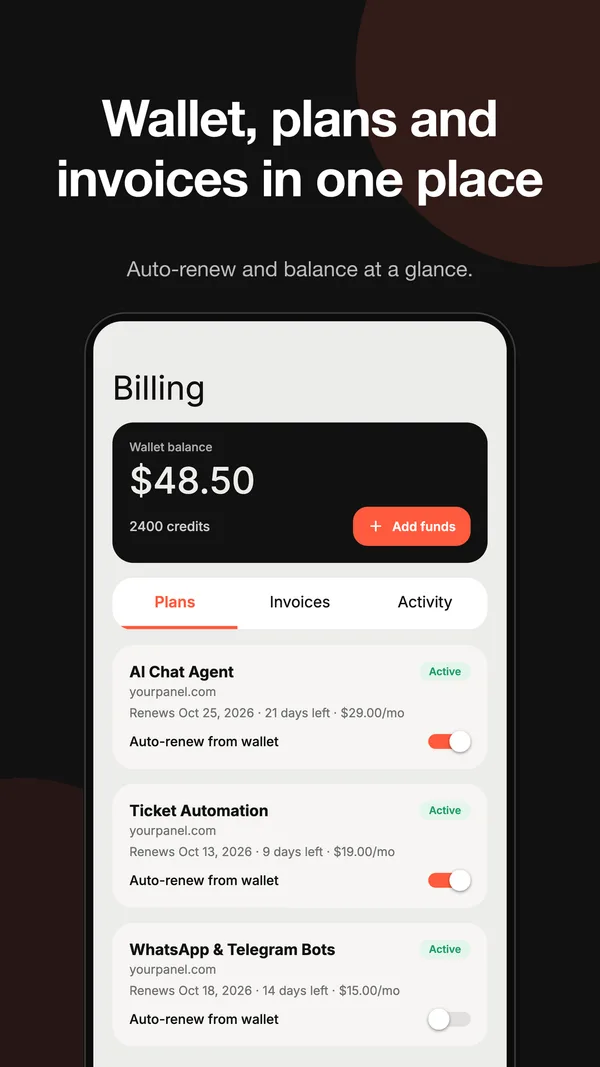
Check your balance, see which plans are active and when they renew, and switch auto-renew on or off without opening a laptop.
- Balance and credits in one card
- Plan renewal dates
- Invoices and wallet activity
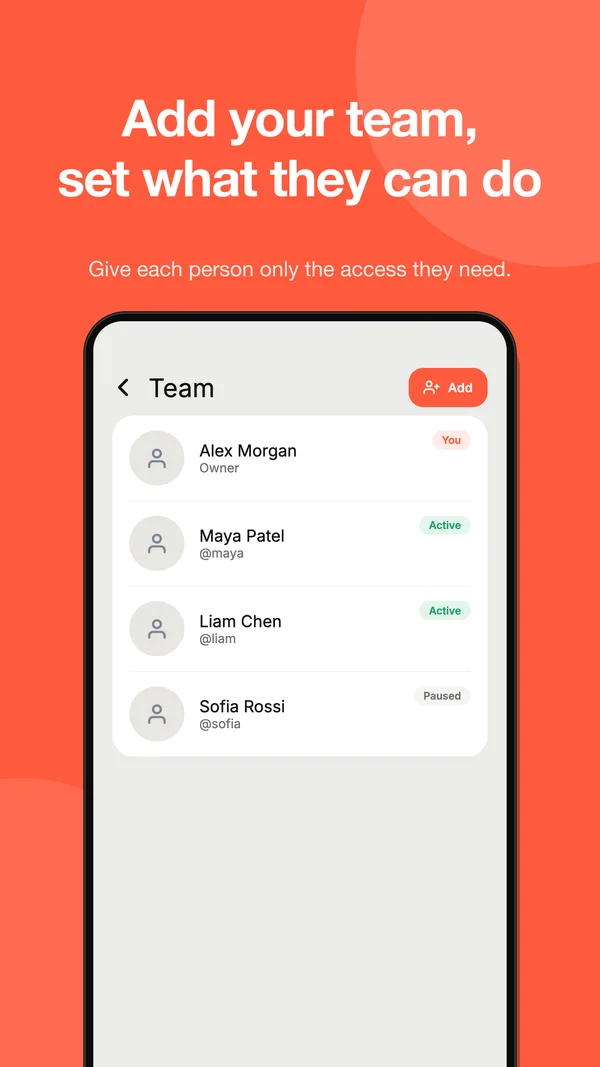
Your team, under control
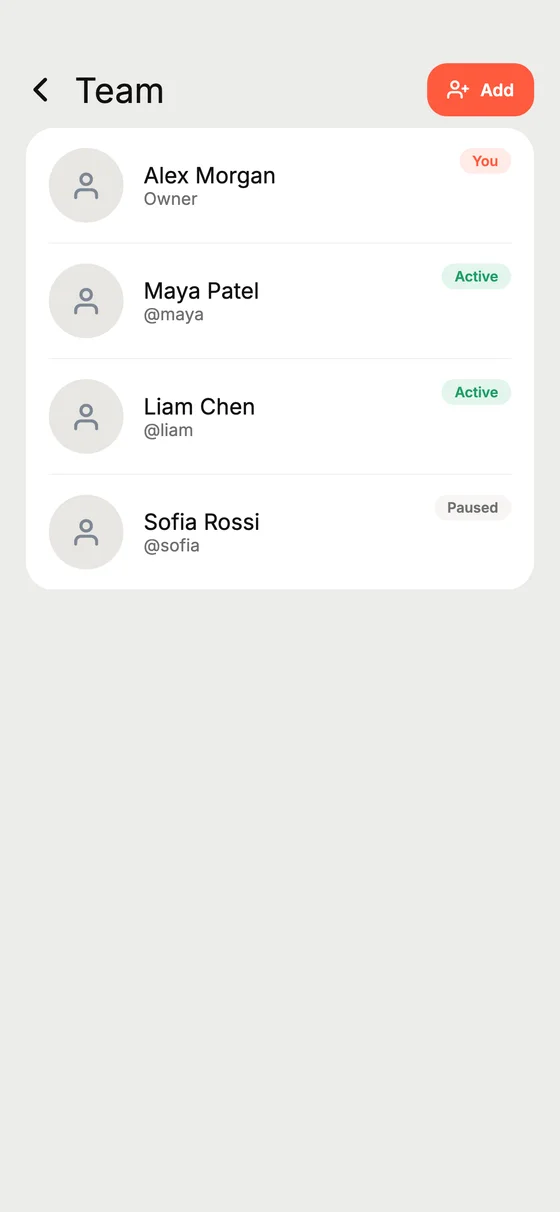
Add teammates and decide what each person can do: reply, resolve, assign or see every conversation. Pause someone with one switch.
- Per-person permissions
- Everyone signs in with their own account
- Remove access any time
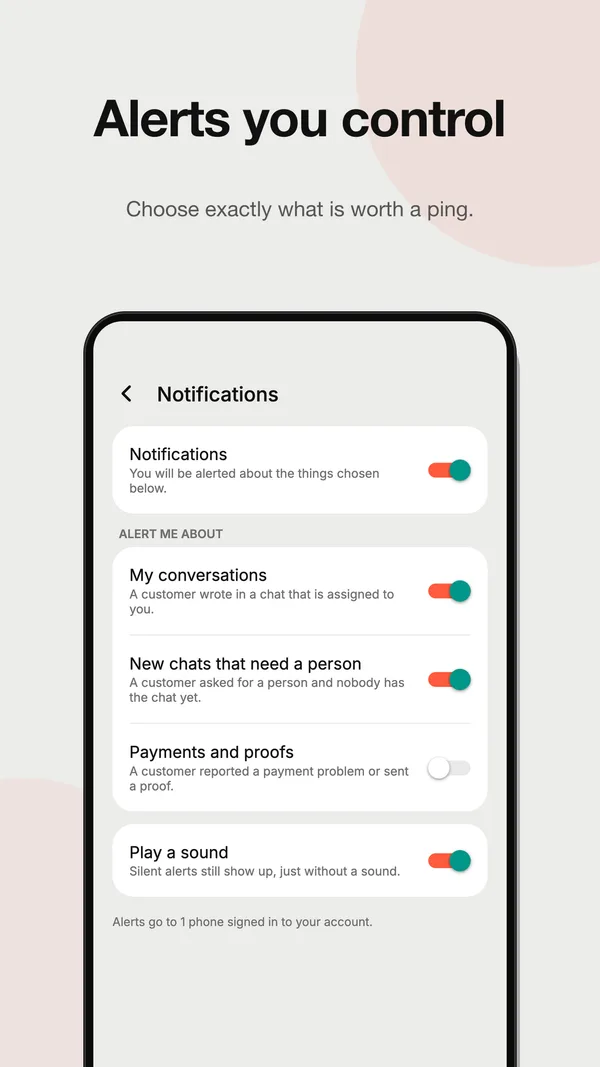
Alerts you decide
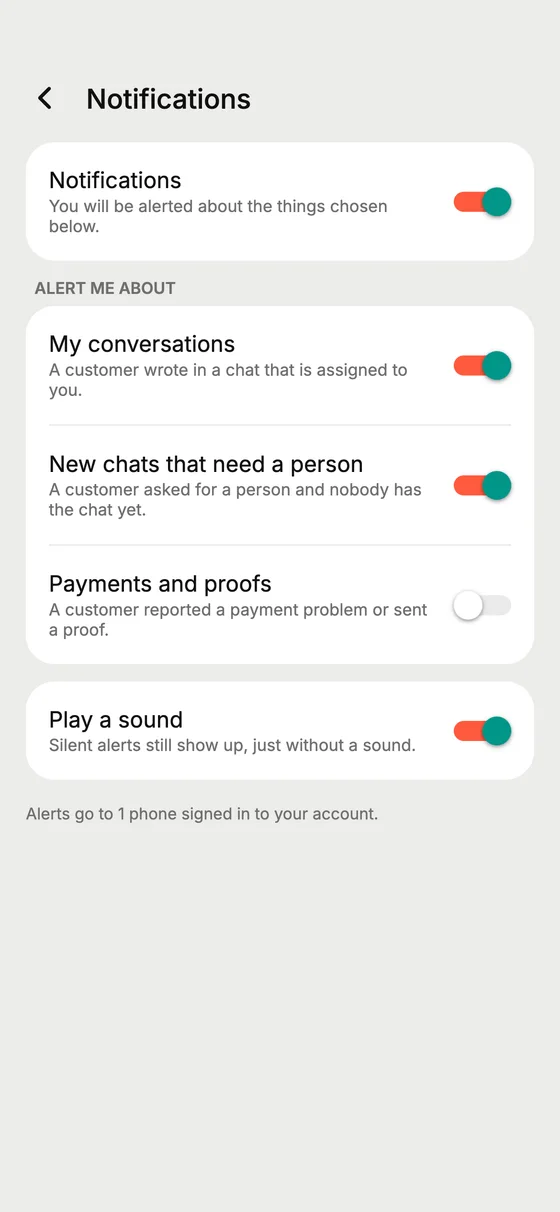
Choose what is worth a ping: chats assigned to you, chats waiting for a person, or payment problems. Keep the sound on or off.
- Separate switches per kind of alert
- Silent alerts still show up
- Applies on all your phones
Up and running in a few minutes
- 1
Get the app
Open the web app in your browser now. The Android app is coming to Google Play.
- 2
Sign in
Use your Accesza username or email. Teammates sign in with their own account.
- 3
Answer from anywhere
Your inbox, visitors, team and billing are right there, whenever you need them.
About the apps
Is the app free?+
Installing the app is free. You sign in with your Accesza account, and your plans and credits are the same as on the web.
Do my customers need the app?+
No. Customers keep chatting on your website, Telegram, WhatsApp or panel tickets. The app is for you and your team.
Is there an iPhone app?+
Not yet. On iPhone, open the web app in Safari; it works on any phone, tablet or computer.
Can my team use it with their own login?+
Yes. Add teammates under Settings, Team and choose what each person may do. Everyone signs in with their own Accesza account.
Can I choose which alerts I get?+
Yes. Turn alerts on or off for chats assigned to you, chats waiting for a person and payment problems, and choose whether they play a sound.
How do I get it?+
Until it is on Google Play, use the web app. You can email us from this page to hear when the Android app is out.
Ready to answer faster?
Connect your panel, switch on the AI chat agent and manage every conversation from one inbox, on the web or on your phone.
Start free trial